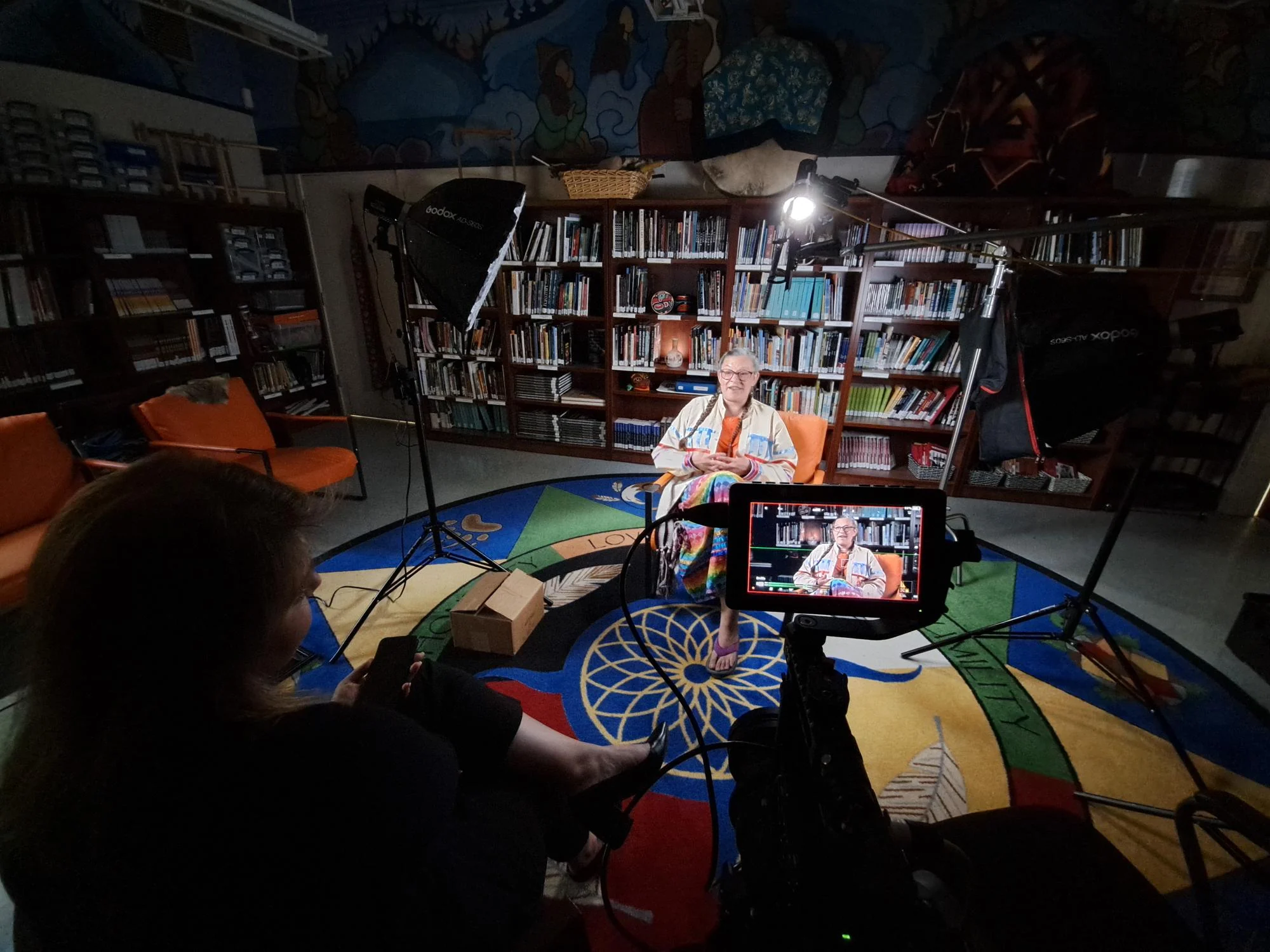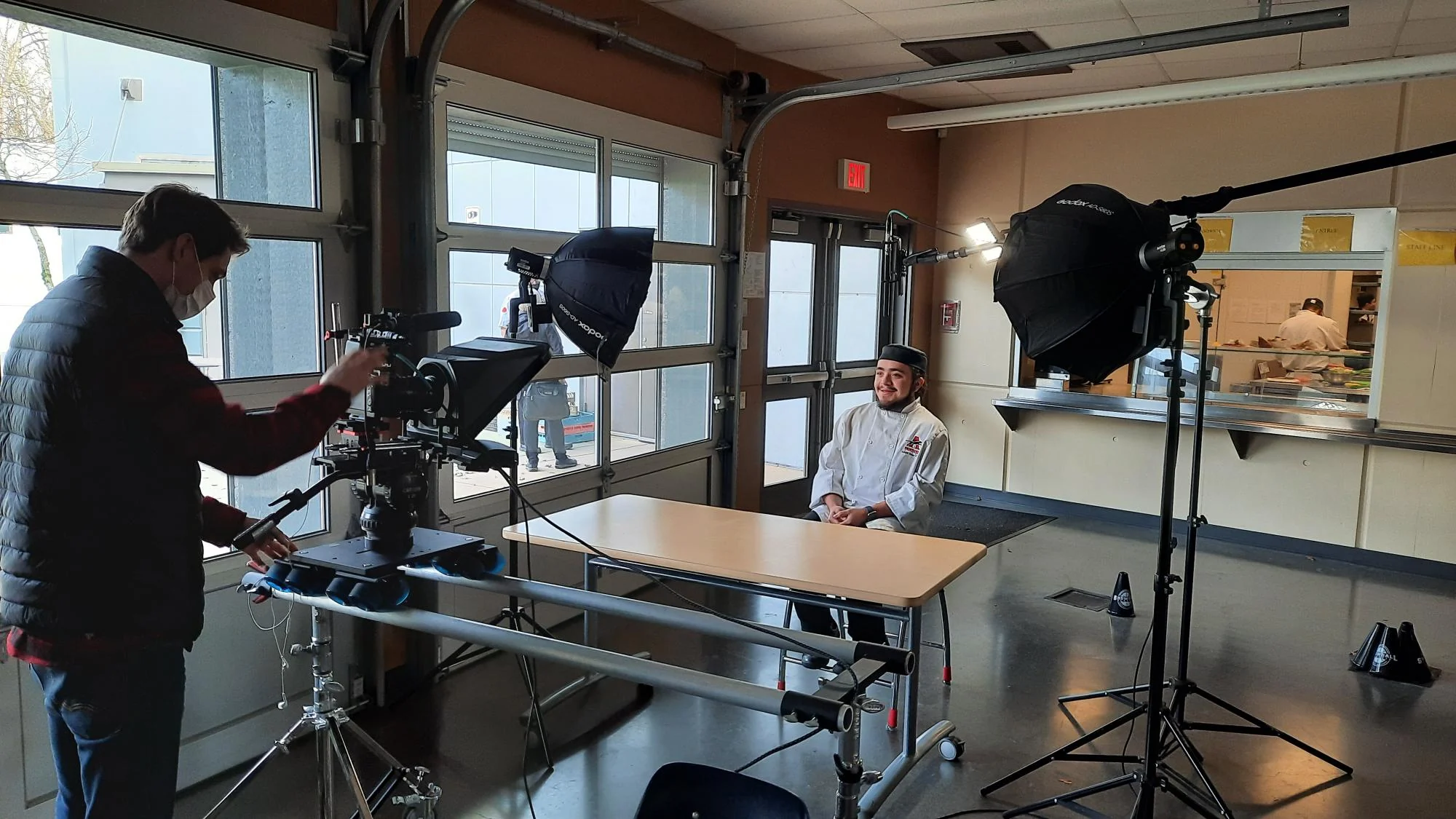
Start with the event itself, not an equipment list. Explain what is happening in the room, how many people you expect and what the audience needs to see and hear. A short presentation, a fundraising gala and a panel discussion place different demands on the setup.
Ask the venue what is already available and who is responsible for operating it. A screen may be included without a suitable connection to your laptop. A sound system may need someone familiar with its controls. Confirm access times, power, cable routes and where the technical team can work without blocking the audience or event staff.
Walk through the running order. How many people will speak at once? Will speakers stay at a lectern, move around or take questions from the room? Are there performances, award presentations or changes between hosts? Those details help determine microphone choices and how equipment moves between people.
Make a separate list of everything that needs playback: slides, videos, music and remote speakers. Confirm the file formats and who will collect the final versions. Send video files as well as links where possible, and check that sound reaches the room. If a livestream or remote contribution is planned, discuss the internet connection and what happens if it becomes unreliable.
Ask who will call the cues and who will make changes during the event. A clear contact and an agreed running order help the technical team follow what is happening. Set aside time for a sound check and a rehearsal of the important transitions, including the start and finish.
Before confirming the booking, make sure the quote explains equipment, delivery, setup, operating time and takedown. The useful question is not simply whether the equipment is available. It is whether the plan covers the whole event.